
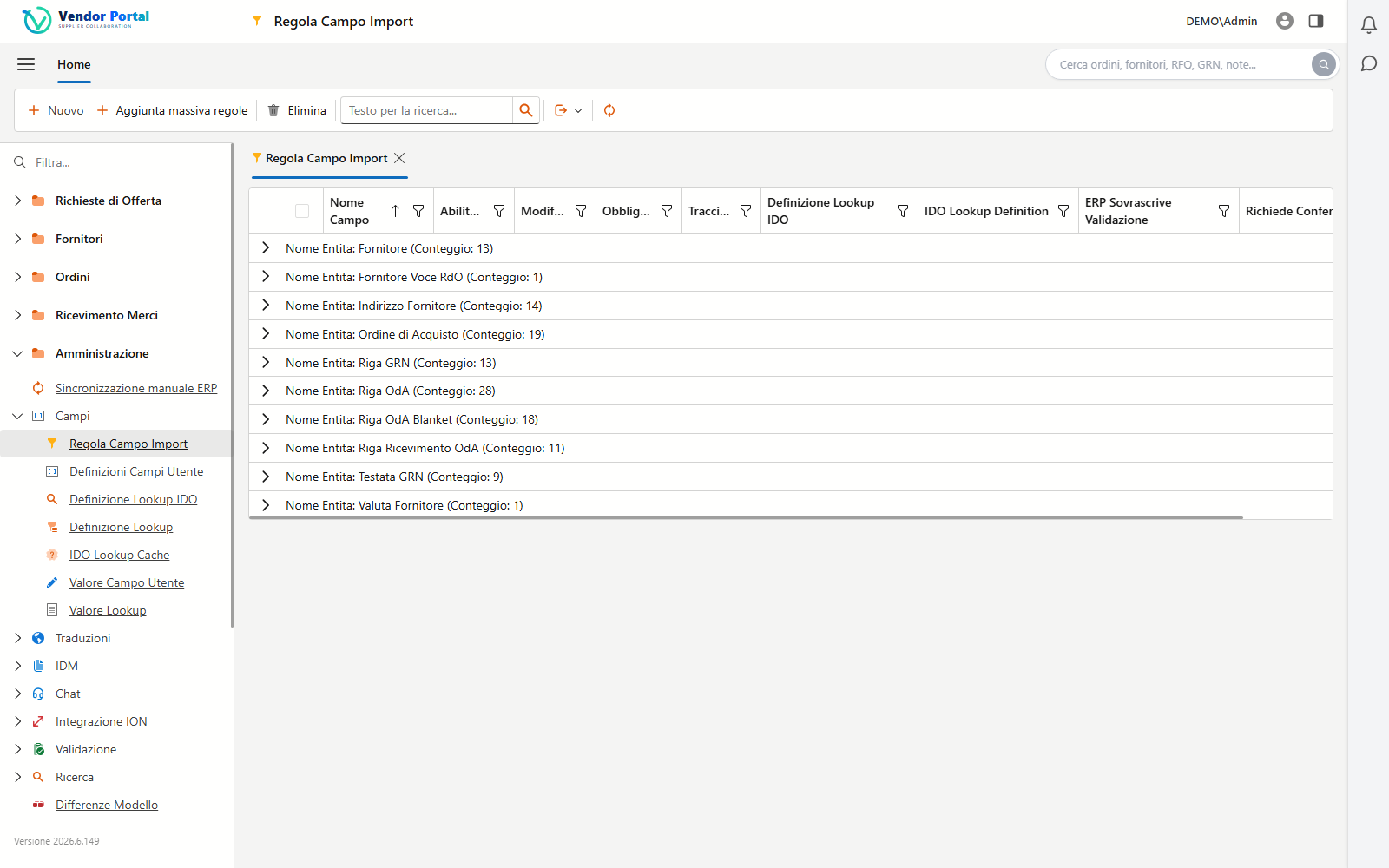
Anyone working on Infor SyteLine (today part of Infor CloudSuite Industrial) sooner or later asks: “does my ERP already have a portal for suppliers, or do I have to add one?”. It is a purchasing manager’s question — they want suppliers to collaborate on orders and documents — but also an IT manager’s, who needs to understand how to extend the ERP without creating yet another data island. The answer takes some precision, because “supplier portal” and “supplier coordination” are not the same thing.
What the official page says (and doesn’t)
Infor SyteLine’s product page talks about the supply chain in general terms. It cites “streamlined supplier coordination” and a multi-level supply-chain visibility, along with the integration capabilities of the Infor OS platform. What it does not describe, however, is a dedicated supplier portal as a feature in its own right: no supplier-side order-confirmation screens, no self-service RFQ flow, no specific metrics. The page focuses on internal planning and chain coordination, not on a tool for external engagement with the individual supplier.
Translated: SyteLine handles your purchasing processes inside the company very well, but “extending it to suppliers” — giving the supplier access to see their own orders, confirm them, upload documents — is something to be designed on top of the ERP, not a switch that is already there. (If you need the big picture, start from what a supplier portal is.)
Three ways to extend SyteLine to suppliers
The concrete options, from the most “internal” to the most “dedicated”, are three:
- Native ERP functions. SyteLine covers the purchasing cycle (purchase orders, receipts, invoices) on the company side. You can share information with suppliers via reports, email or files generated by the ERP. It is a starting point, but it is not collaboration: the supplier stays outside the system and the data they send back has to be re-keyed by hand.
- Integration through Infor OS. This is where the platform comes in: the official Infor channels let data leave and re-enter the ERP in a structured way, so an external application (a portal) can read orders and master data and write confirmations, shipments and documents. It is the approach that avoids double entry.
- A dedicated supplier portal, connected to SyteLine. An application built for the supplier (simple interface, multilingual, zero installs) that hooks into the ERP through the Infor OS channels. It is the path that combines a good supplier-side experience with data consistency on the ERP side.
The difference between option 2 and 3 is who puts the “face” toward the supplier. In both cases, the quality of the result depends on how the ERP is extended, not on the mere fact that it is.
The official Infor OS channels
For an IT manager, the interesting part is which channels are supported. SyteLine lives inside the Infor OS ecosystem, and three components are particularly relevant for extending the ERP to suppliers:
- ION API. It is Infor’s official channel for integrating external applications with the CloudSuites. It goes through an API Gateway that acts as an intermediary between the application and the Infor systems, with OAuth 2.0 authentication (access and refresh tokens, scopes for permission control). It is the “clean” way to read and write SyteLine data from an external app.
- Data Lake. Infor OS’s data repository, useful for analytics and cross-system synchronization: a portal can draw on the consolidated state of orders and deliveries without hammering the transactional ERP.
- Infor IDM (Document Management). Infor OS’s document management, where supplier documents (certificates, delivery notes, order attachments) can be stored and retrieved in a controlled way.
Together, these channels make real bidirectional integration possible: data is born in the ERP, is visible to the supplier, and updates come back attached to the record. That is exactly what distinguishes an integrated portal from a storefront, as we saw in how a supplier portal integrates with the ERP.
What to assess on the IT side before choosing
Extending SyteLine to suppliers is an integration project, and it should be assessed as one:
- No double entry. If the solution doesn’t write into the ERP through the official channels, it shifts manual work instead of removing it. It is the first filter.
- Security and isolation. The supplier must see only their own data. Robust authentication (OAuth2 on the ION channels), data separation and access traceability are not details, they are requirements.
- Entity coverage. Check that the integration covers the entities you actually need: purchase orders, receipts, RFQs, invoices, documents.
- Maintainability. Relying on the standard Infor OS channels reduces the risk of breakage on updates, compared with “home-made” integrations on unofficial APIs.
These points coincide with the difference between a natively integrated portal and a disconnected bolt-on: the same trade-off that goes into the checklist for choosing a portal for an SME.
In short
Infor SyteLine offers solid internal supplier coordination, but its official page does not describe a dedicated supplier portal as a feature in its own right. To give suppliers real access — to see and confirm orders, answer RFQs, upload documents — the ERP has to be extended, and the correct way to do it goes through the official Infor OS channels: ION API (with API Gateway and OAuth2), Data Lake and IDM. The right question, then, is not “does SyteLine have a portal?”, but “how do I extend it to suppliers without creating double entry or data islands?”. The answer is all in the integration.
Working on Infor SyteLine and wondering how to extend it to your suppliers? We can show you a portal already integrated through the official ION, Data Lake and IDM channels, on your real processes.